




The right equipment. The right workflow. The right solution.
Shorten proof approval.
Consistent print color.
Reduce production costs.
Prepress, printing and
color management solutions for printing companies.
-
Consultation
by specialists -
Solutions
tailored to your needs -
Long-term
support







PRINTING CHALLENGES
Which of these challenges is your print shop facing?
Select a question to see an example and how PrintJet can help.
Proofing & File Preparation
Our customer wants a proof on the production substrate. Can we make one without setting up the press?

Why do customers want a proof on the production material?
A paper proof helps customers review color and layout. To see how the design will look on the finished packaging, they may also need to check the substrate color, transparency, or surface effects. If proofing requires a trial on the production press, each revision can mean another press setup.
How does PrintJet help?
The WideColor 1800UV prints proofs directly on compatible production substrates. On clear PET film, for example, customers can check which areas should stay transparent and which need a white ink underlayer before signing off.
Calculate proofing costs →The proof is approved. How do we keep the wrong file version from going to press?

How does the wrong file reach the press?
When a job goes through several revisions and files are shared through multiple channels, an older version may still be in the production folder. A quick check can miss a small change to the volume, ingredients, or barcode, which may lead to a press stoppage or a reprint.
How does PrintJet help?
Manage files and approval status for each job in HYBRID CLOUDFLOW. Use ProofScope to compare the production file with the customer-approved version and confirm that the correct file goes to press.
Explore HYBRID prepress solutions →Print Quality
We used the same artwork. Why does this run look different from the last one?

Why can color vary between batches?
Even with the same artwork, changes in ink, substrate, or press conditions can shift the printed color. The difference is often easier to see when the batches are placed side by side.
How does PrintJet help?
Use the approved sample as the reference. Measure the same color area on the reference and the production sample with a Techkon instrument under the same conditions. Compare the color difference (ΔE) with the agreed tolerance to decide whether to check the ink or substrate or adjust the press before continuing.
Explore Techkon color instruments →Why do solid areas in flexo printing look patchy?

What causes patchy solids?
When ink transfers unevenly from the flexo plate to the substrate, solid areas can show pinholes or patches of lighter and darker ink. These defects are especially noticeable in large solid areas on labels and packaging.
How does PrintJet help?
Intelligent Flexo by HYBRID Software applies surface screening to selected areas of the 1-bit TIFF after RIP processing and before plate imaging. The microscopic pattern on the plate surface helps improve ink transfer for more even solids.
Learn about Intelligent Flexo →Job Costs
800 m across six SKUs. Which costs less, digital or flexo?

Why can short runs with multiple SKUs cost more?
Splitting an 800 m order across several SKUs leaves fewer meters to print per variant. If some variants need a plate change or a separate setup, makeready time and substrate waste increase the cost per meter.
How does PrintJet help?
Compare total digital and flexo costs based on the run length per SKU, plate costs, setup time, and makeready waste. The digital FastLabel-FL330 lets you switch variants directly from the artwork files, reducing setup work when each SKU requires only a small quantity.
Compare digital and flexo costs →SOLUTIONS FOR YOUR INDUSTRY
Solutions for your industry.

Paper Packaging
Printing solutions for folding cartons and corrugated boxes to meet a wide range of needs.
Explore Solutions →

THE PRINTJET SOLUTIONS ECOSYSTEM
One ecosystem.
Connecting your entire print workflow.
Connect equipment, software and color management from file to finished product.
-
01
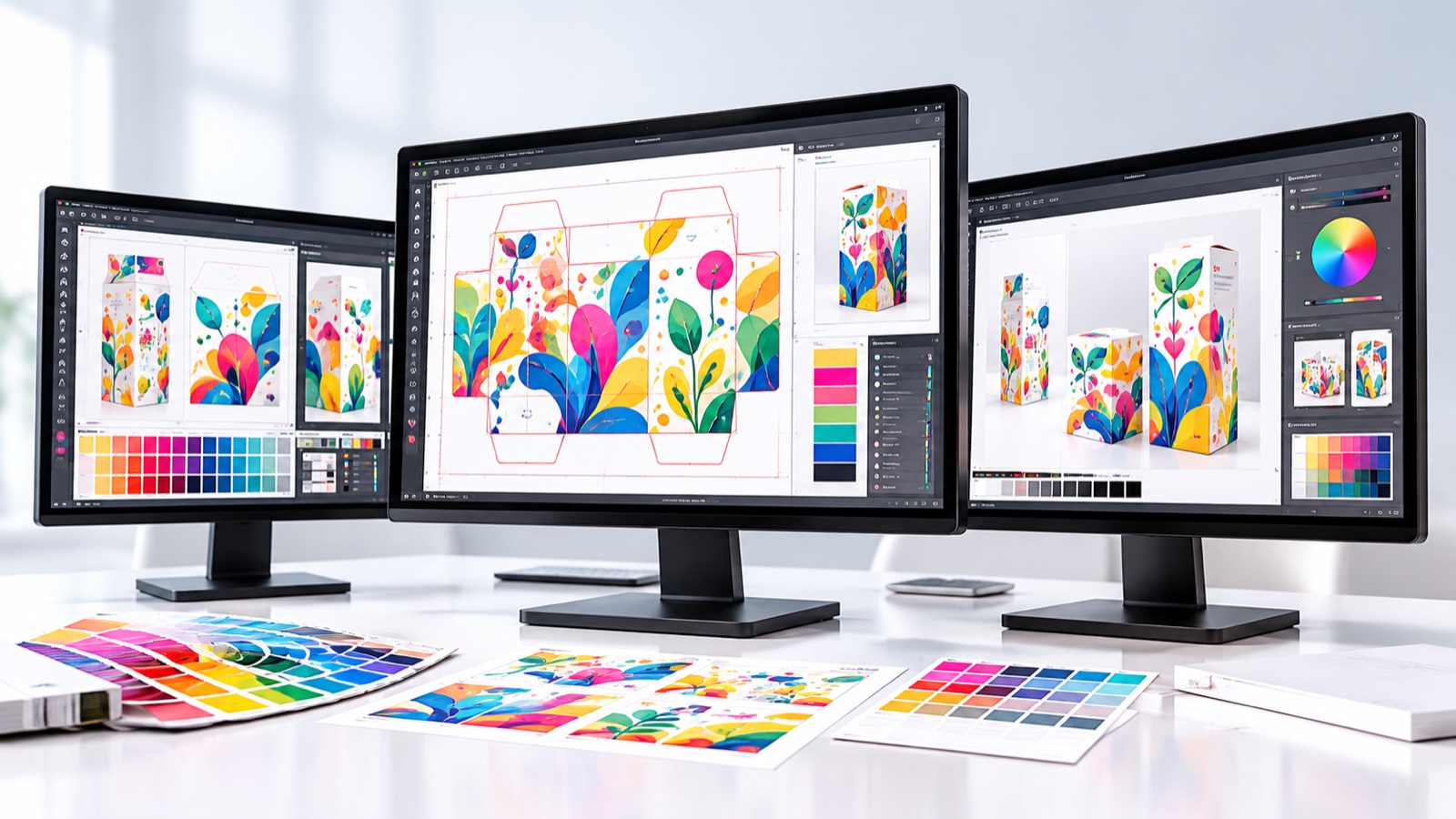
Prepress & Automation
HYBRID Software
File standardization, automation and workflow management.
-
02

-
03
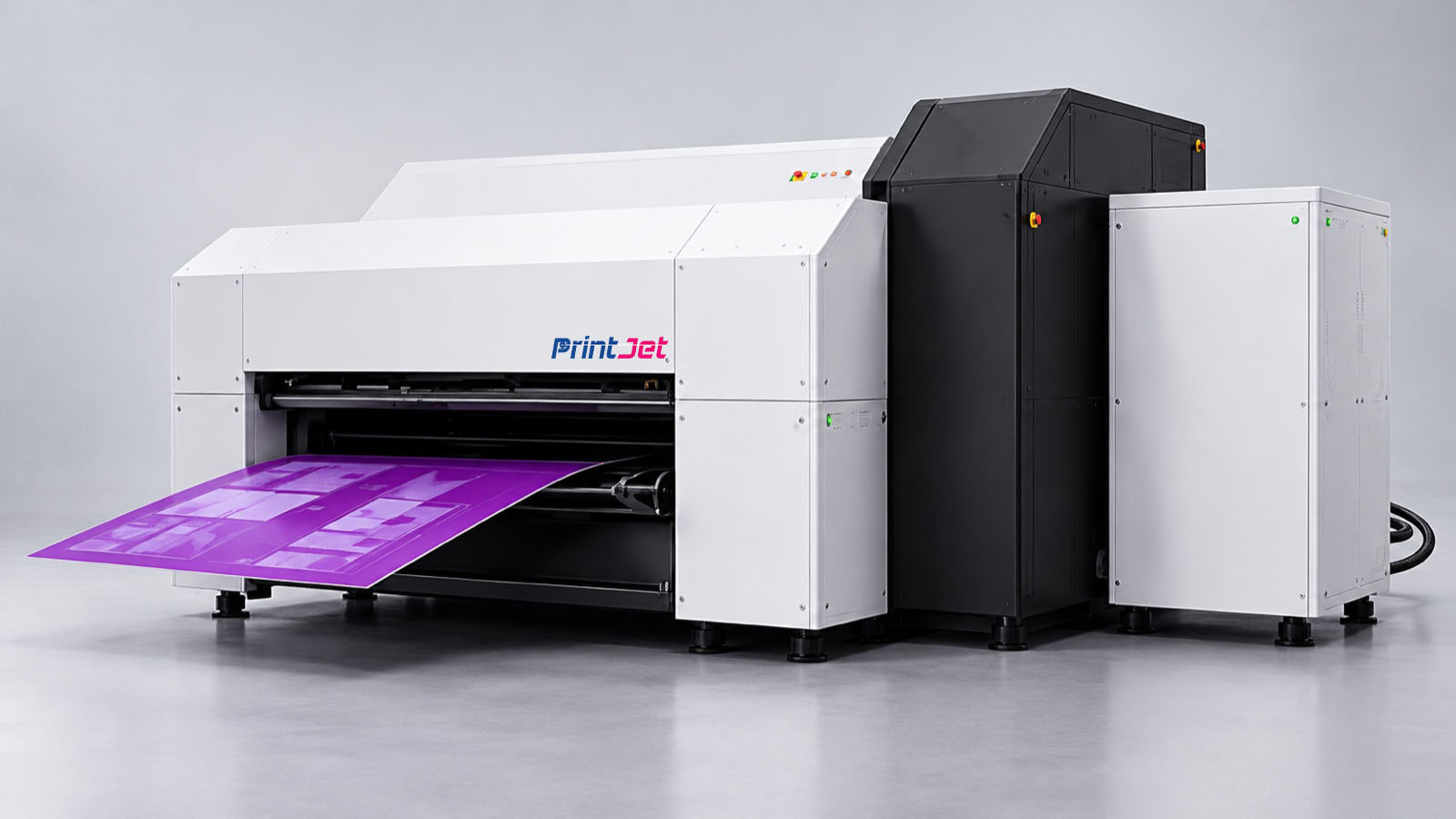
Prepress Equipment
CTP systems, printing plates and prepress software.
View Solutions
-
04

Industrial Printing Equipment
Flexo, digital and CT/hybrid solutions for production.
View Solutions
-
05

Color Control & Quality Assurance
Professional color measurement, quality control and color management equipment.
STANDARDS & QUALITY CONTROL
Consistent color. Measurable quality.
PrintJet advises and supports printing companies in applying the G7 methodology,
establishing quality management systems to meet GMI requirements, and using professional color measurement equipment.
Printing Condition
Calibration
Gray balance, technology-appropriate calibration and consistent color reproduction.
Managing
Quality
Develop workflows and meet assessment and certification requirements.
DECISION SUPPORT TOOLS
Compare first.
Make better decisions.
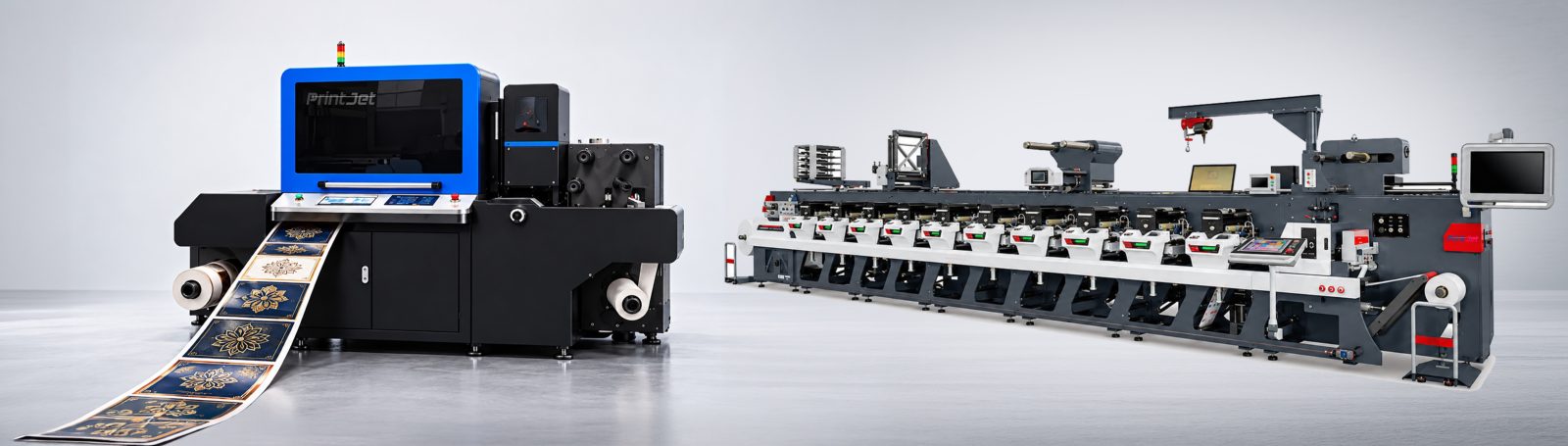
Digital vs Flexo Cost Comparison
Compare digital and flexo printing costs for your job.
 Compare Now →
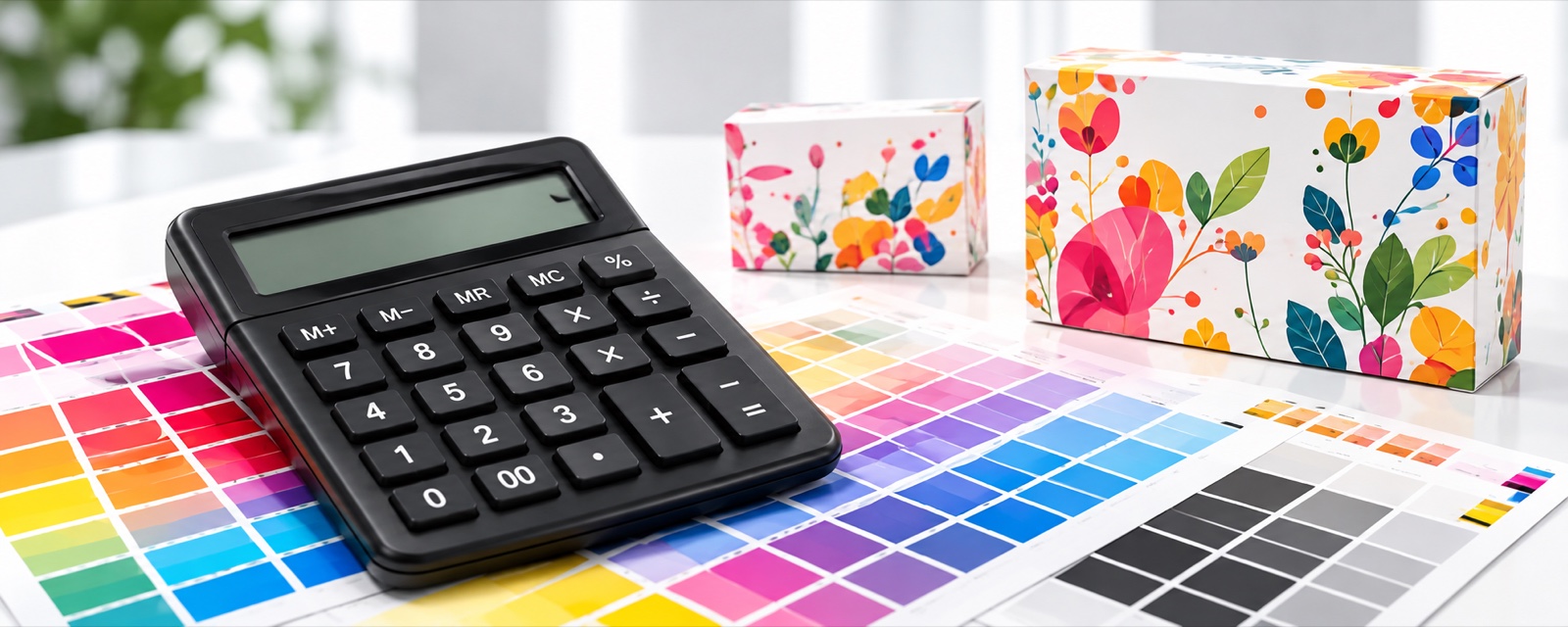
Color Approval Cost Calculator
Estimate the cost and time required for print approval.
 Try the Calculator →
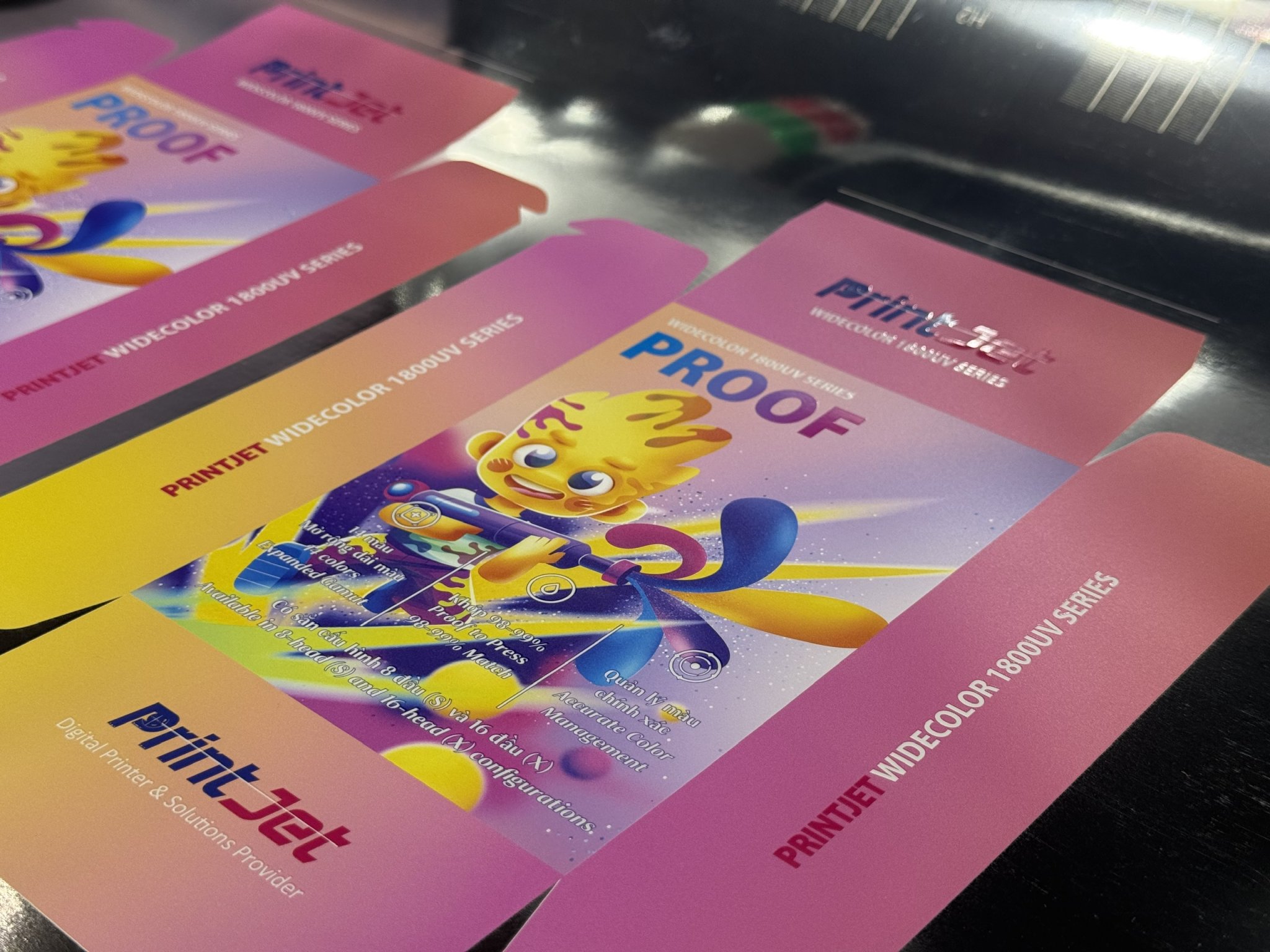
EXPERIENCE THE EQUIPMENT FIRSTHAND
See the equipment in action.
Discuss real printed samples.
Visit our showroom to see the machines running and speak directly
with PrintJet's specialists.
HOW WE WORK WITH YOU
-
01Consultation
Understand your requirements and analyze the challenge.
-
02Solution Selection
Recommend suitable equipment, software and workflows.
-
03Implementation
Installation, training and operation.
-
04Ongoing Support & Optimization
Continuous support, measurement and improvement.




Not sure where to start?
Tell us what you need. PrintJet will help you choose the right solution.